When a company decides to build a website, it often faces an important decision that frequently goes unnoticed: design from scratch or use a template?
Both options can work, but the choice directly impacts the user experience (UX), brand identity, and the website’s ability to grow.
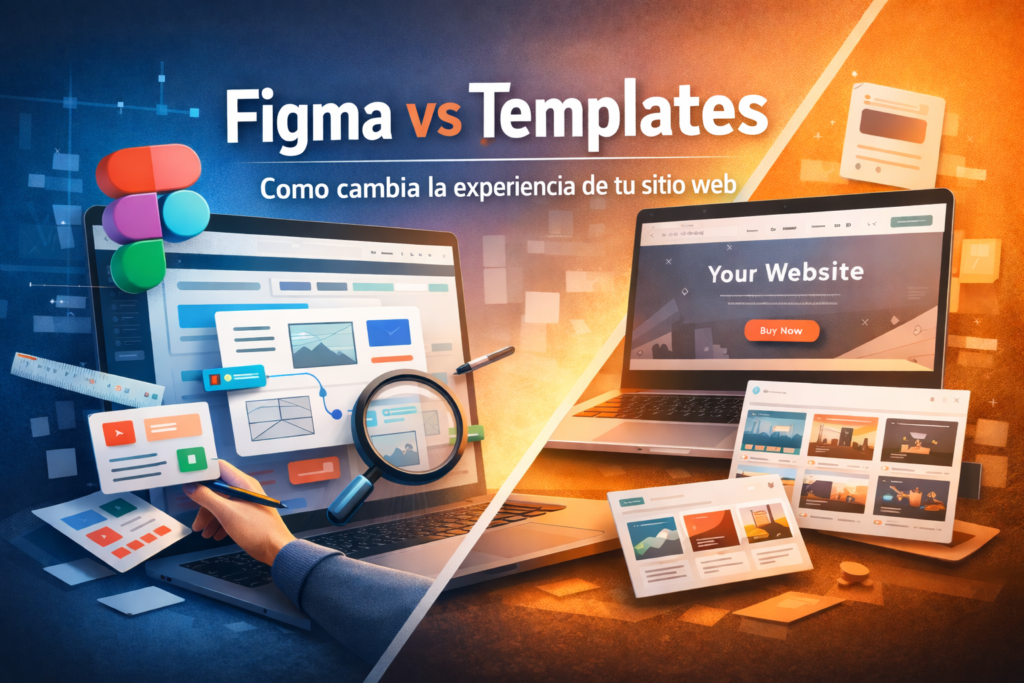
In this article, we explore how the experience of a website really changes when it is developed from a UI/UX design in Figma compared with when it is built directly from a template.
🧩 What it means to design a website in Figma
Figma is a collaborative design tool that makes it possible to create digital interfaces before developing them.
In a professional web design process, Figma is used to:
- Define the website structure
- Design the navigation experience
- Create the interface’s visual system
- Prototype the behavior of each section
- Validate the design before developing it
This means that the website is planned first and built afterward.
With this approach, every element has a clear purpose within the user journey.
📦 What using a template involves
A template is a predesigned structure that makes it possible to build a website quickly.
It normally includes:
- Predefined layouts
- Preconfigured visual styles
- Reusable components
- Predesigned sections
This makes it possible to build a website in less time by adapting text, images, and colors from an existing design.
Templates are especially popular on platforms such as WordPress, Webflow, and Shopify.
🧠 The main difference: design vs. adaptation
The fundamental difference between both approaches is simple:
Design in Figma:
The website is designed around the business, the user, and the objective.
Template:
The business adapts to an already designed structure.
Neither option is necessarily wrong, but the result is usually different in terms of experience.
👥 How this affects the user experience
When a website is designed from scratch in Figma:
- Navigation adapts to user behavior
- The content hierarchy is clearer
- Each section serves a specific objective
- The journey through the website is planned strategically
In contrast, when working with a template:
- Some sections may not make sense for the business
- The content must fit into predetermined structures
- The experience may feel generic
This does not mean that a template is bad, but rather that it does not always respond to the specific context of each project.
🚀 Website flexibility and growth
Another important difference appears when the website needs to evolve.
A design based on Figma usually makes it easier to add:
- New sections
- Changes to the architecture
- UX improvements
- Project scalability
In contrast, some templates may limit:
- Structural modifications
- Deep customization
- Complex integrations
As the project grows, those limitations may become more noticeable.
🎯 When each approach makes sense
Not every project needs the same level of customization.
A template may be sufficient when:
- The website is small
- A fast launch is needed
- The budget is limited
- The objective is to validate an idea
A UI/UX design in Figma is usually better when:
- The website is a central part of the business
- A differentiated experience is desired
- The project needs to scale
- Design is part of the brand identity
The key is choosing the right approach for the project’s current stage.
🧠 In summary
Figma and templates do not necessarily compete with each other, but they represent two different ways of building a website.
One prioritizes strategic design from the beginning.
The other prioritizes implementation speed.
The final experience will depend on:
- The business objectives
- User behavior
- The required level of customization
What matters is not only having a website, but having a website that works for your project.
✨ From Cuernosoft
At Cuernosoft, we design websites by thinking first about the user experience and the business objectives.
Depending on the project, we can work with:
- Custom UI/UX designs in Figma
- Optimized development using templates
always seeking the right balance between strategy, efficiency, and results.
If you are thinking about building or redesigning your website:
